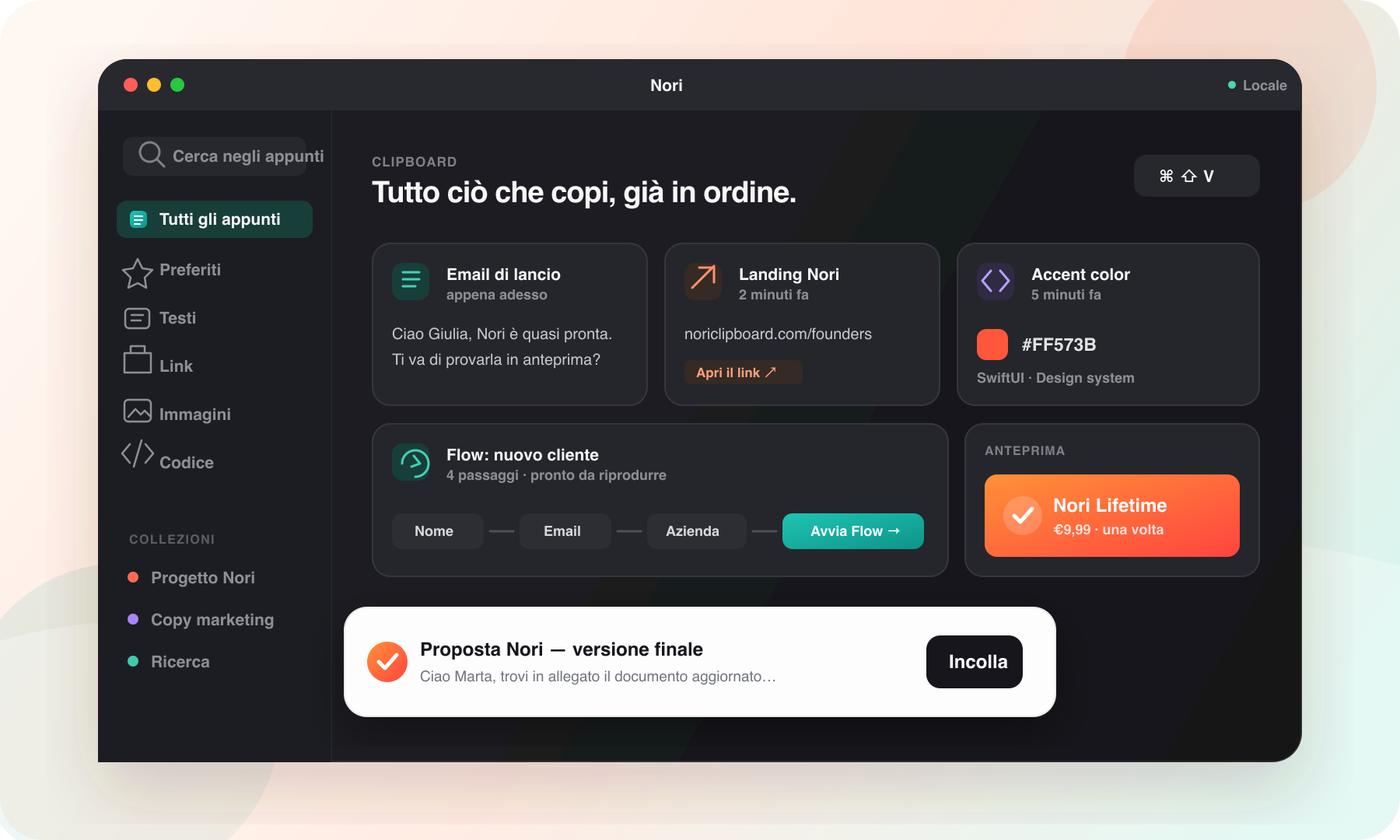
Find anything you copied
Search text, links, images, colors and code without remembering which app or page they came from.
- Instant history search
- Readable previews by content type
- Favorites for everyday clips
Paste without leaving your current app
Quick Paste opens above the active app, lets you search and returns you to work with a short keyboard-first flow.
Save a sequence with Flow Replay
When a task needs several values in a specific order, save the sequence as a reusable Flow for forms, onboarding, quotes and recurring operations.
Keep work organized and local
Collections separate projects, favorites keep common clips nearby, and core history remains on the Mac without a required account.
Frequently asked questions
The essential answers.
Does Nori only store text?
No. It supports text, links, images, colors and code with content-specific previews.
Can I use Nori without a mouse?
Yes. Quick Paste, search and selection are designed for keyboard use.
Does Nori require an account?
No. Core features work locally without a mandatory account or cloud service.