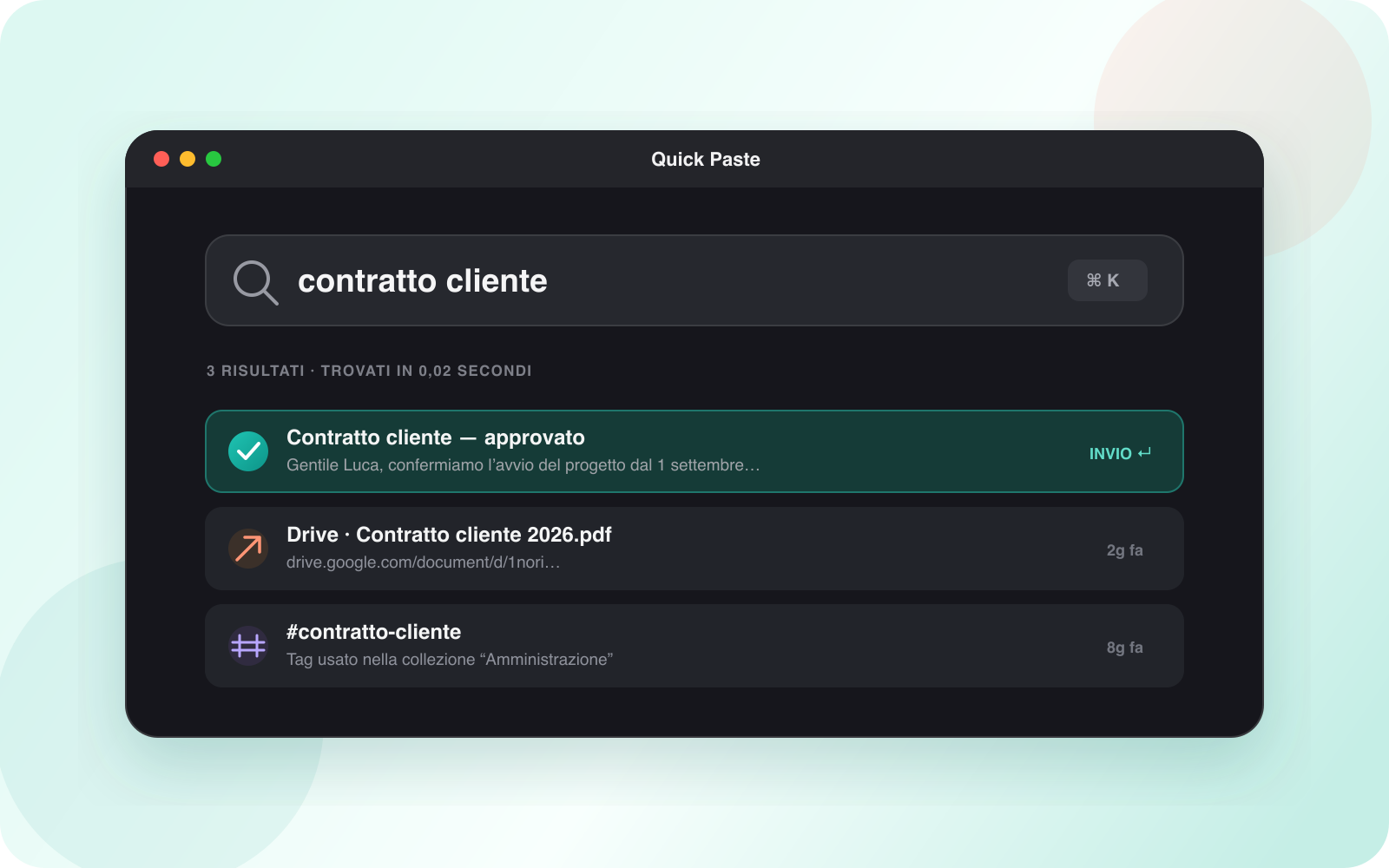
A working memory for your Mac
Recover a reply, address, command, color or image with a few keystrokes instead of reopening old apps and tabs.
Previews preserve useful context
Links, images and code remain visually recognizable, reducing mistakes before you paste.
Search, favorites and collections work together
Search handles partial memory, favorites surface daily content and collections separate projects.
Frequently asked questions
The essential answers.
How do I open history quickly?
Press ⌘⇧V to open Quick Paste above the current app.
Is history uploaded to a server?
No. Nori stores and searches clipboard history on your Mac.